When the software starts the following dialog appears:
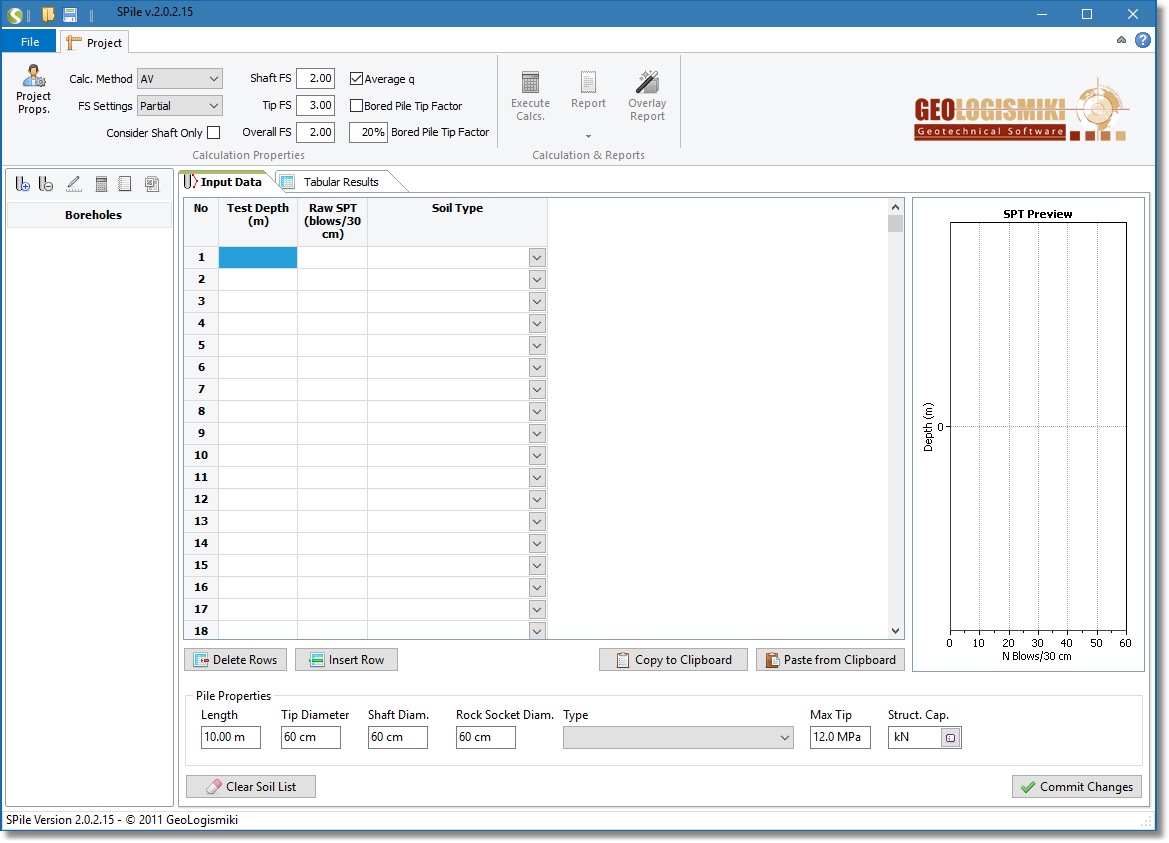
Main application window
In the Boreholes section you can add, edit and delete SPT files and in the Input Data window you either input the data needed to perform a calculation or load and preview data for a selected SPT file. The Tabular Results window presents the calculation steps in the form of numeric results and at the bottom there are two additional windows with the result plots associated with the selected SPT file.