Inside the drawing area the software will draw a rectangle that represents the selected page (the default value is an A4 page in landscape orientation). Click the  and the following dialog will appear:
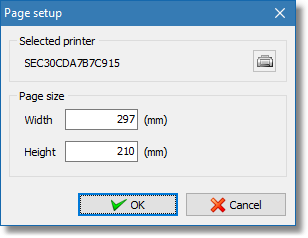
Page setup dialog
In the Page size area the real world dimensions of the selected page appear. You can edit these directly by entering values with the keyboard and the width and height boxes or you can click on the printer icon  and from the dialog that appears select the appropriate page size (available page sizes will depend on the selected printer).