Click on the  button to open the following dialog:
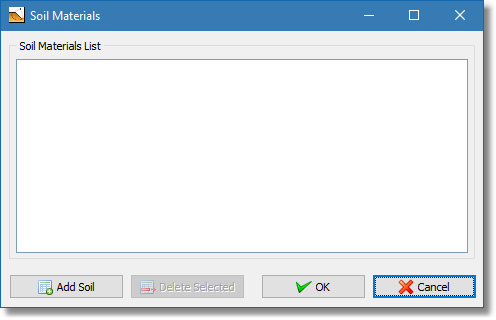
Soil materials dialog
For a newly created project the Soil Materials List will be empty, otherwise it will include any previous input material. To add a new soil material click on the Add Soil button and a default soil entry will appear in the list:
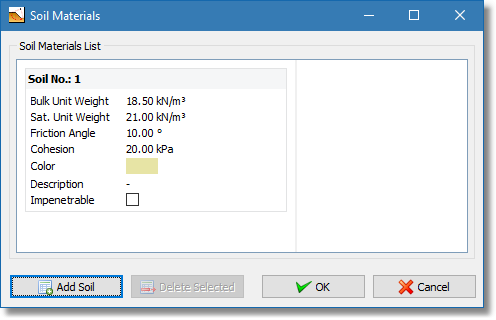
Newly inserted soil material
To edit any of the input variables of a soil just double click on the label or value you wish to edit. Press the Enter key on your keyboard to commit this change. Once you click the OK button the window will close and the soil materials list will be saved.
Note An Impenetrable soil layer will be consider as a solid boundary so the software will not allow any failure surface point to exist inside it. |