To perform the calculation for the selected SPT file, simply click the  button on the Boreholes section toolbar.
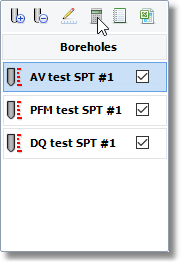
Perfrom single calculation
If you have more than one SPT files in your project and you wish to perform a calculation for all files then click on the  button on the main toolbar and from the dialog that appears click the OK button.
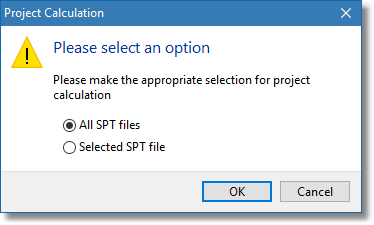
Perform overall calculation
After the calculation is performed, results will be loaded in the table and plots of the Tabular Results and Summary Plots, Detailed Plots sections.
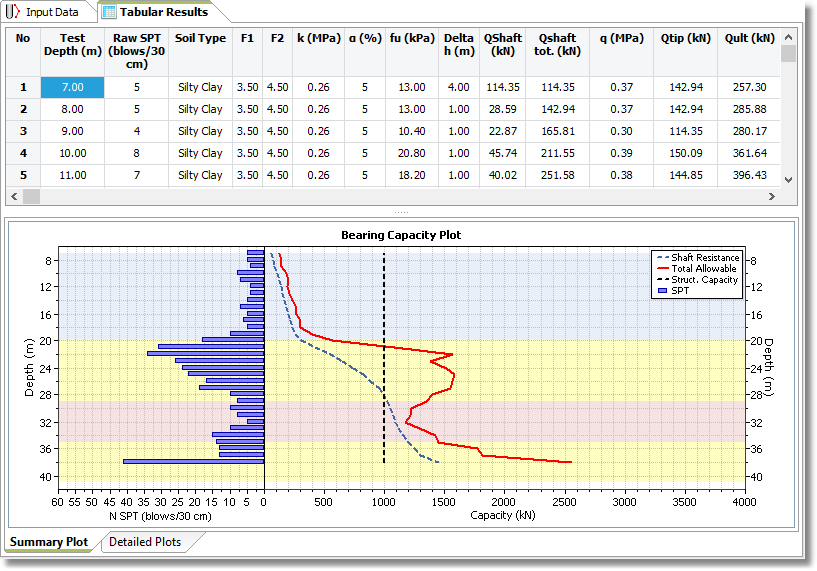
Tabular results and summary plot
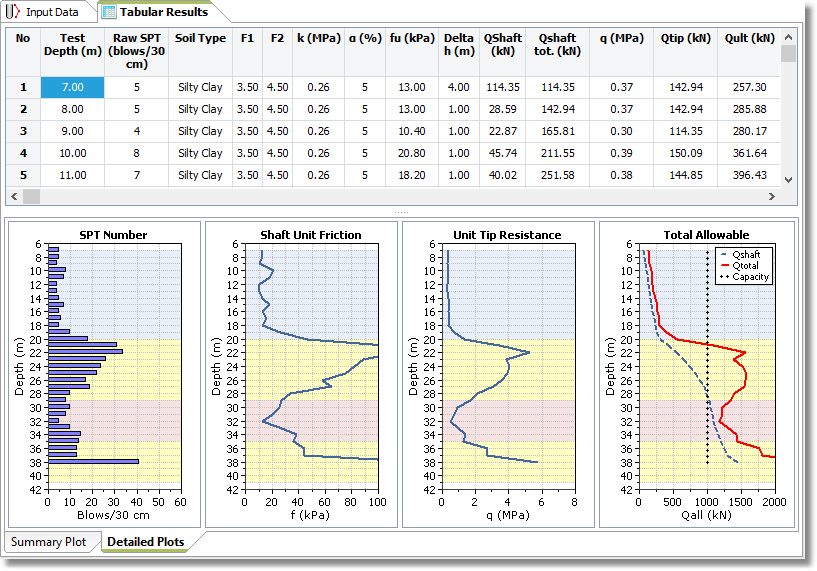
Tabular results and detailed plots
To create a calculation report for the selected SPT file simply click on the  button of the Boreholes section toolbar and a detailed report with the calculation properties, plots and numeric results will be created.
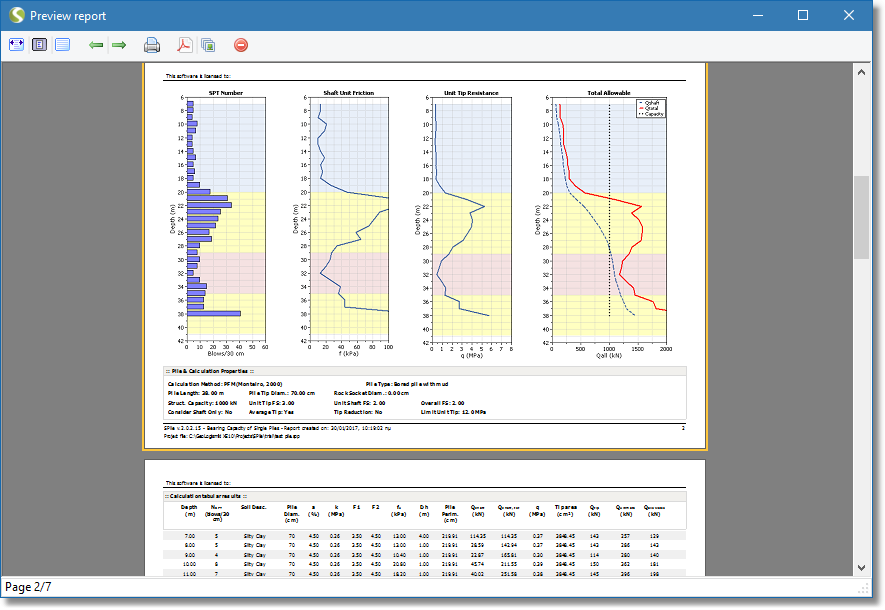
Report sample
To create an overall calculation report for all the selected SPT files, click on the  and from the dialog that appears select the All selected SPT files option and click the OK button.
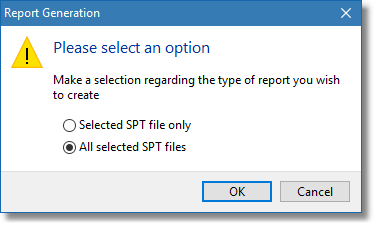
Overall report selection
Each calculation report contains the summary plot, the detailed plots and the numeric results but you can choose which of these sections you wish to be included by calling the Report Settings by clicking the small black arrow below the Report button of the main toolbar. From the dialog that appears uncheck the sections you do not want to be printed on the report.
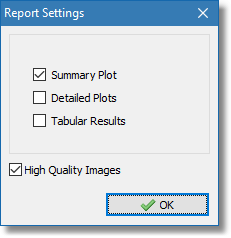
Report settings dialog