To delete a single (or multiple) row(s) of data you need to select any of the cells of the row you wish to delete and hit the  button. To select multiple rows, move the cursor over the No column (the cursor should change to a black arrow) of the row and click and drag down (or up) to the final row of your selection. You may also click to select the first row, scroll down (or up) to the last row of your selection and with the SHIFT key pressed on your keyboard select the row also.
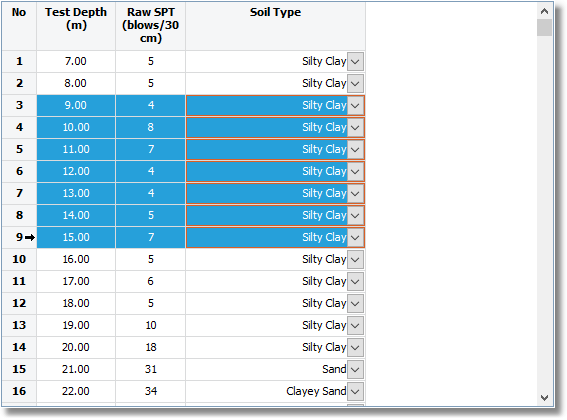
Multi selected rows
Please notice that every change made cannot be undone and in order for changes to apply you need to click the Commit Changes button.