The axis object can be added in order to provide a measure of the dimensions of the slope geometry. Click on the  and define the rectangle of the axis object by left clicking on the drawing area twice, one time to set the top left point of the object and the second time to define the top right point. Once you defined the second point the following dialog appears:
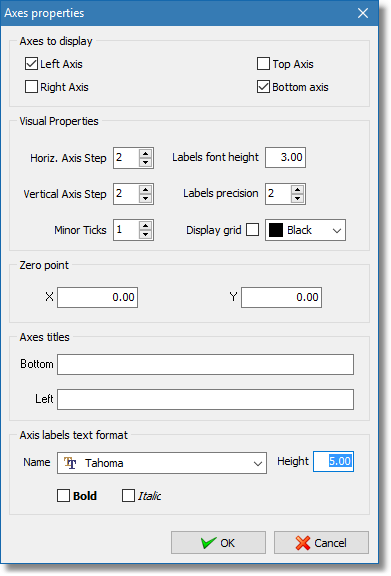
Axis properteis dialog
The dialog contains properties that customize the look of the axis object.
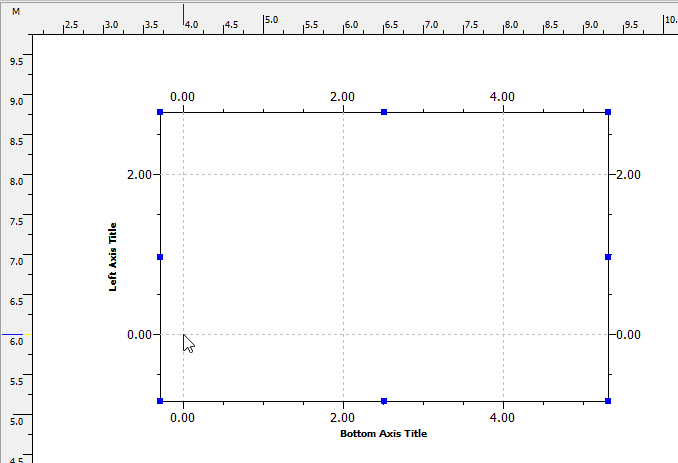
Axis object with zero point set to (6.00, 4.00)